

Neocast Original series
10 Humans vsAI
Ten extraordinary humans. One AI that plays to win. Five games stand between them and $10,000, and the machine has already predicted who wins.
About the show
10 Humans vs. AI is the world’s first AI game show. Ten extraordinary people move into one house in Los Angeles to find out what humans can still do better than a machine.
Across five games they bluff, vote, spot deepfakes and argue ethics against Tucker, an AI that plays alongside them as the eleventh contestant. Before the first game, Tucker sealed its prediction of the winner in a clear acrylic case. It opens on camera.
Every human carries $1,000 of the prize. The last one standing takes all $10,000. If the AI outlasts them, nobody gets paid.
- Format
- Competition reality
- Episodes
- 5
- Players
- 10 humans, 1 AI
- Prize
- $10,000
- Filmed in
- Los Angeles
- Cast
- Revealed at premiere
- From
- Neocast
The five games
One house. Five games. Each one gets harder for the humans.
-
1
Tucker’s Predictions
Before anyone plays, the AI seals its predictions. Match its pick and you start the next game ahead.
-
2
Agent Breach
Ten identical pairs of smart glasses. Two are secretly running AI. Vote out the agents before they complete their mission.
-
3
Real or AI
Images, video, voices and writing. Teams of two decide what came from a person and what came from a machine. The lowest-scoring team goes home.
-
4
Ethics Bowl
Humans and the AI answer the same hard questions. A panel of human experts and a panel of AIs judge every answer blind. The weakest one goes home.
-
5
The final
Turing Poker
Three humans, two AIs, one deck. Cards are lives. The humans have to knock out both machines first. Then it’s every human for themselves, and the last one standing wins $10,000.
Clips
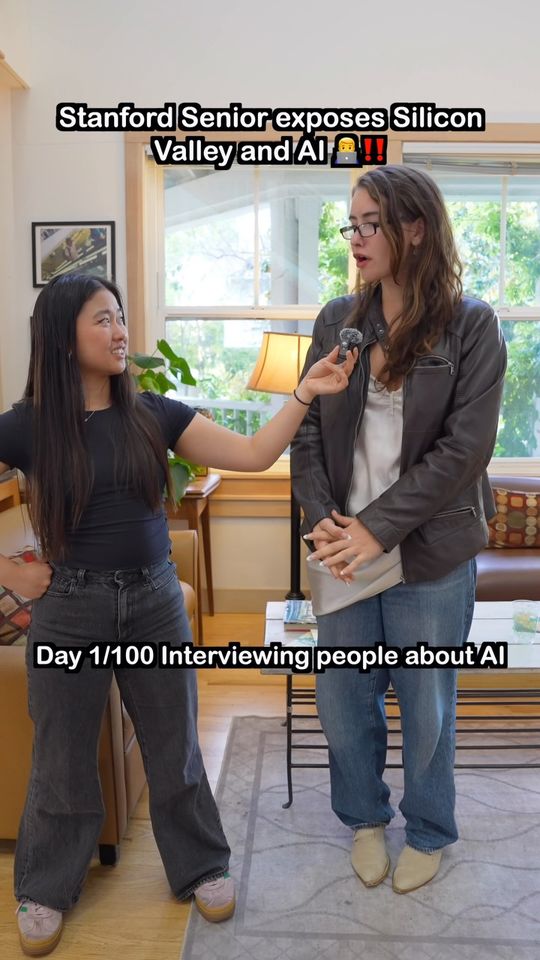
Before the cameras rolled in the house, we took the game to campus.





Behind the scenes
Filmed over two days in a house in Los Angeles, August 2026.


Season 1 premieres soon.
Follow along for the trailer, the cast reveal and the premiere date.